Recipe Import
The ability to save recipes from websites, photos, or other apps into your recipe manager automatically.
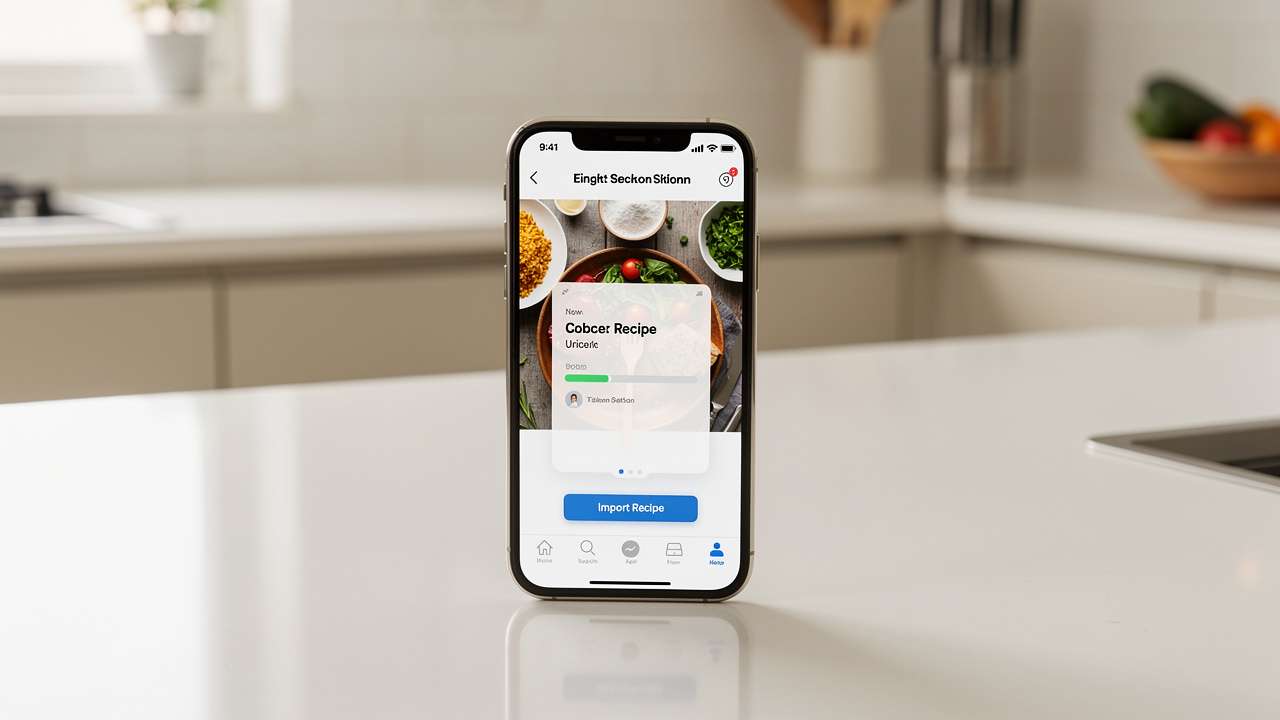
Recipe import is how modern recipe managers solve the "recipe scattered everywhere" problem. Instead of bookmarking URLs or screenshotting recipes, you save them to one organized place.
Common import methods
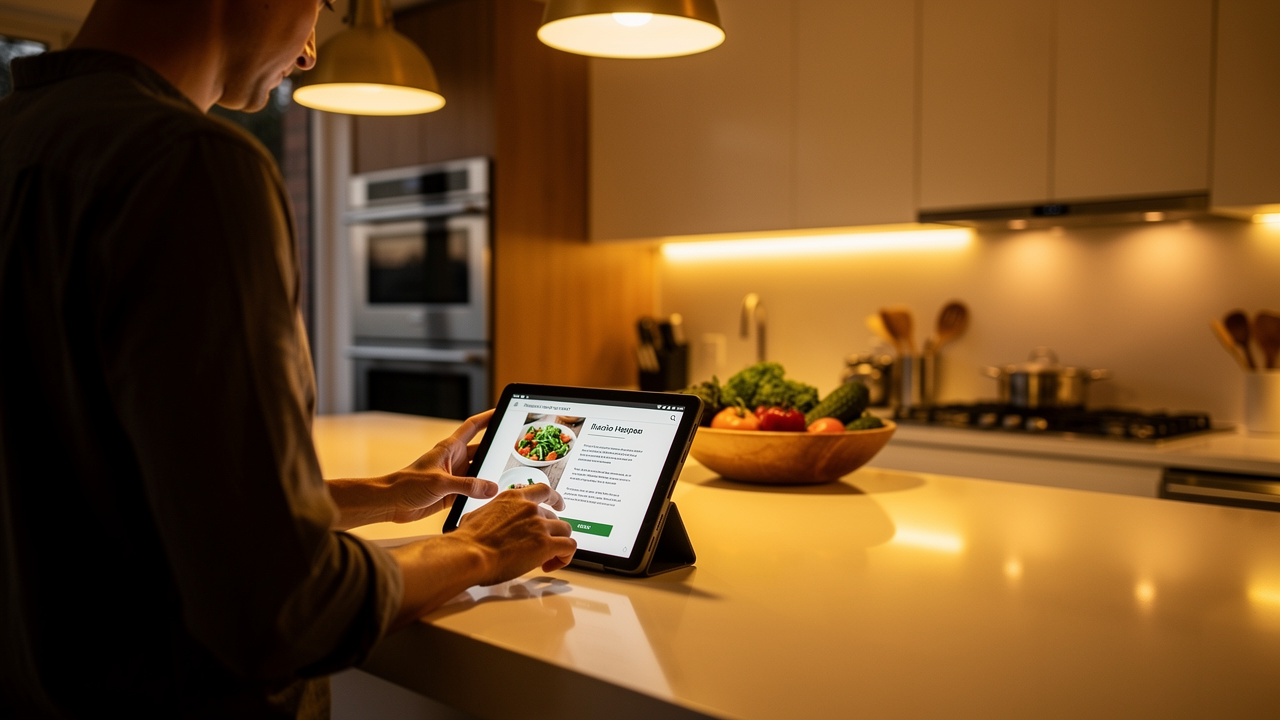
- URL import: Paste a link, the app extracts the recipe from the page
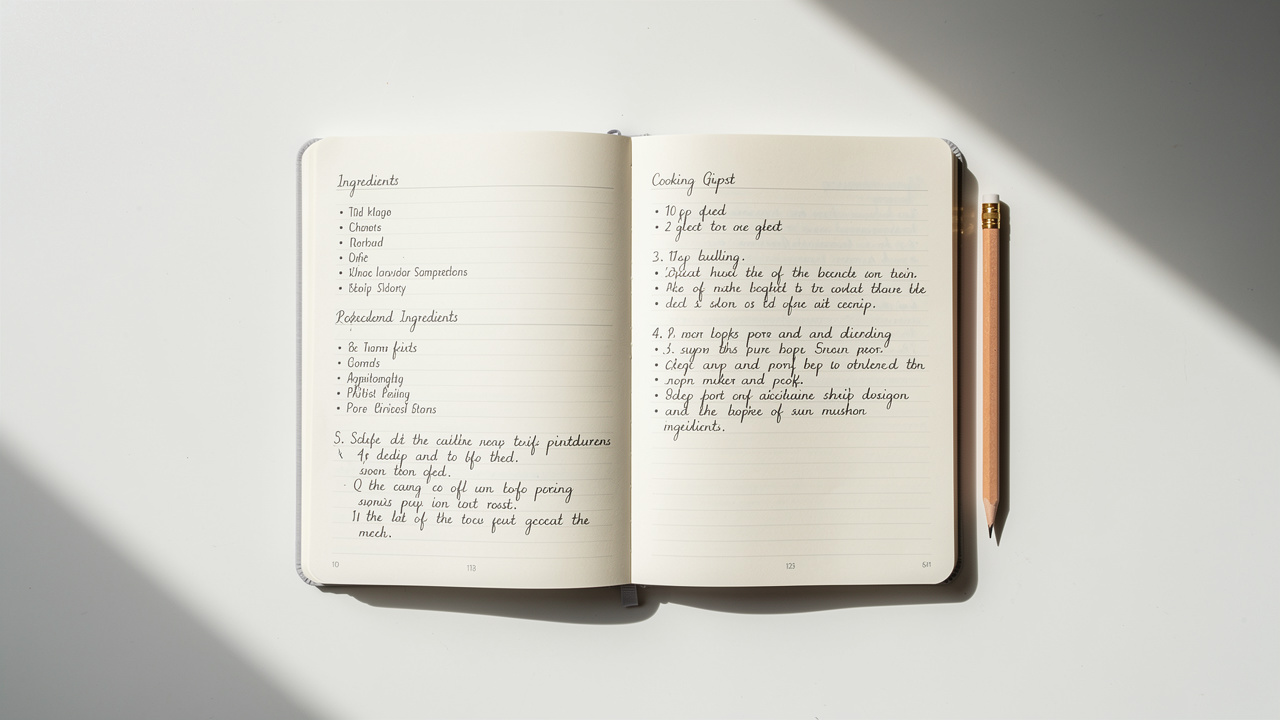
- Photo/image import: Take a photo of a cookbook page or handwritten recipe
- Copy-paste: Paste plain text and let the app parse it
- Browser extension: Clip recipes while browsing
- Share sheet: Share from any app directly to your recipe manager
The challenge with URL import
Most recipe websites bury the actual recipe under ads, life stories, and pop-ups. Good importers extract just the recipe: title, ingredients, steps, and times.
What makes a good importer
- Handles various website formats and schemas
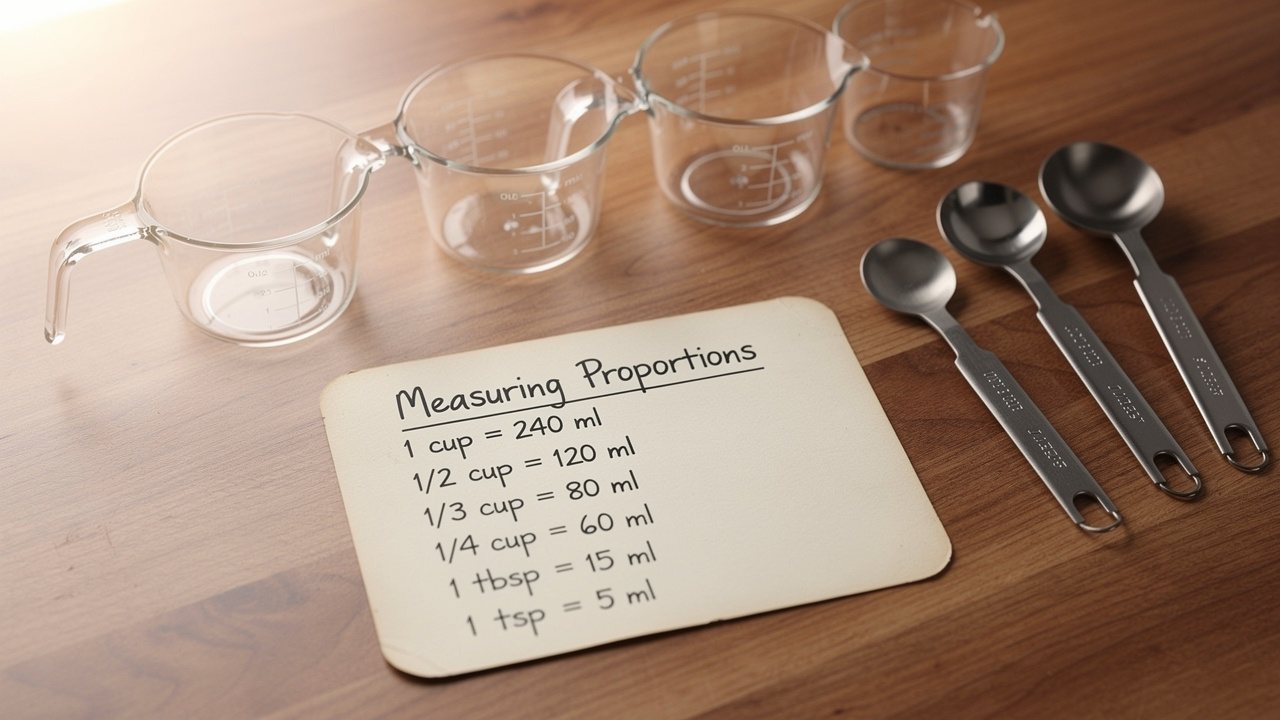
- Correctly parses ingredient quantities and units
- Preserves step structure and order
- Extracts photos when available
- Works offline for photo imports
Recipe import in Fond
Just paste a URL, snap a photo, or drop in some text — Fond's AI figures out the recipe and structures everything for you. It even handles handwritten recipes from photos.
Related Fond featureAI recipe import