 Bastien
What is recipe import? Definition and how it works
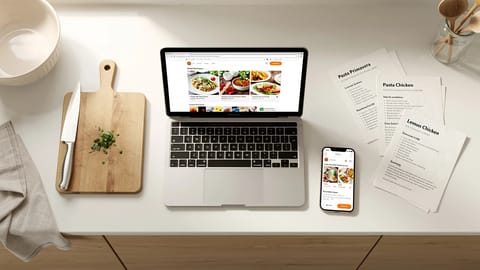
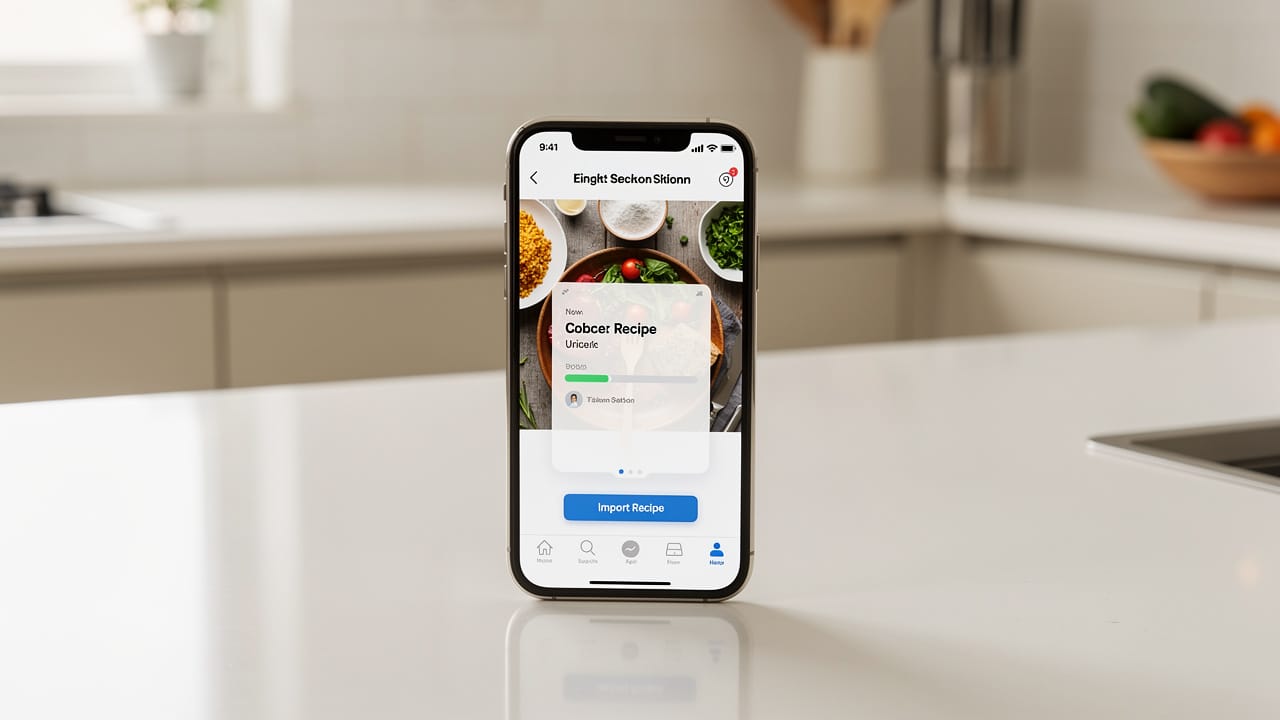
Recipe import is the ability to save recipes from websites, photos, cookbooks, or other apps into your recipe manager automatically — with ingredients, quantities, units, and steps properly parsed for scaling, shopping lists, and cook mode.
Recipe import is how modern recipe managers solve the "recipes scattered everywhere" problem. Instead of bookmarking URLs that break, screenshotting recipes that pile up in your camera roll, or handwriting lists that get lost, you save everything to one organized, searchable collection. A good importer doesn't just store text. It parses ingredients, quantities, units, and steps so that features like recipe scaling, shopping lists, and cook mode work automatically.
For a hands-on walkthrough of getting recipes from websites into an app, see how to import recipes from websites.
The gap between a good importer and a bad one is enormous. A good recipe clipper turns a messy blog post into a clean, structured recipe in seconds. A bad one gives you a wall of text with ads mixed into the ingredients.
What are the different recipe import methods?
Beyond these two main categories, other methods include copy-paste (for PDFs or emails), browser extensions (one-click save while browsing), mobile share sheets (share from any app), file import (plain-text or JSON files for migrating between apps), and bulk import for switching recipe managers entirely.
How does URL import work?
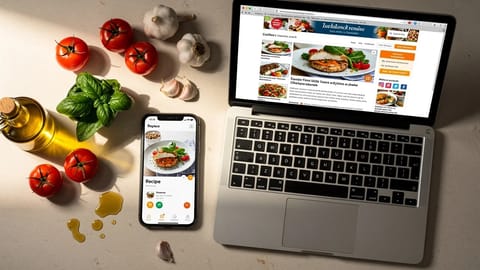
URL import is the most common method. When you paste a recipe link, the app goes through a specific sequence to extract the data.
Most well-maintained recipe blogs now include Schema.org Recipe markup, which makes step 2 straightforward. The tricky part is step 3: when a page has no structured data, the importer has to figure out which text is an ingredient, which is an instruction, and which is the blogger's life story about their trip to Tuscany.
Why some imports fail
| Problem | Why it happens | How good apps handle it |
|---|---|---|
| Ads and pop-ups obscure the recipe | Sites monetize with aggressive advertising | AI-powered parsers ignore non-recipe content |
| No structured data on the page | Older sites or blogs without schema markup | HTML parsing with pattern recognition |
| Recipe spread across multiple pages | Clickbait sites split recipes for page views | Multi-page detection and aggregation |
| Ingredients not properly parsed | Unusual formatting or measurement styles | AI understands context ("a pinch of salt" = ingredient) |
| Paywalled content | Subscription required to view the recipe | Cannot be imported without access |
What makes a good recipe importer?
Ingredient parsing quality
This is the most important factor, and the one people discover too late: after importing a couple of hundred recipes into an app that stores everything as plain text, they try to scale a bread recipe from 2 loaves to 1 and nothing works, because the app can't tell "500g" from "bread flour" from "sifted."
A good importer correctly separates each ingredient into structured fields:
Bad parsing means scaling breaks, shopping lists are wrong, and cook mode shows garbled text.
AI vs rule-based import
Traditional rule-based importers work well for popular recipe sites but fail on personal blogs, social media, or photos. AI-powered importers understand that "3 cloves of garlic, minced" is an ingredient regardless of how the page is formatted. The best approach is hybrid: rules for common patterns, AI for everything else.
Format support
The best recipe clippers handle recipes from recipe blogs with Schema.org markup, older websites with no structured data, social media posts (Instagram, TikTok descriptions), PDF cookbooks and ebooks, photos of physical cookbook pages, handwritten recipe cards, plain text from emails or messages, and other recipe managers like Paprika, Crouton, or Mealie.
How do you migrate between recipe managers?
When you switch from one recipe manager to another, bulk import becomes the deciding factor. It goes painlessly when the source app stores recipes in an open, portable format, and badly when it doesn't.
| Source app | Common export format | Migration difficulty |
|---|---|---|
| Paprika | .paprikarecipes format | Easy if target supports it |
| Crouton | JSON export | Moderate |
| Mealie | JSON API export | Moderate |
| Copy Me That | HTML or text export | Moderate |
| Browser bookmarks | URLs only | Must re-import each recipe |
Apps that use open formats make migration straightforward because the files are plain text that any compatible app can read. Proprietary formats lock you into specific export/import support. If you're choosing a new recipe app, check what export options it offers before committing.
How does recipe import use structured data?
The quality of everything downstream depends on import quality:
| Feature | Requires from import |
|---|---|
| Recipe scaling | Quantities and units parsed separately |
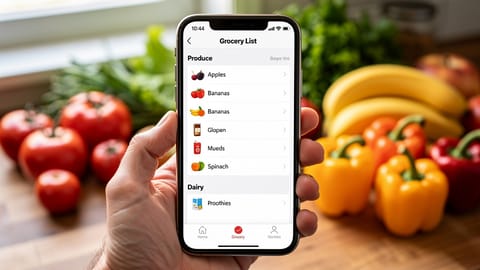
| Shopping lists | Ingredient names extracted cleanly |
| Cook mode | Steps separated and ordered |
| Unit conversion | Units identified (cups vs grams vs tablespoons) |
| Nutrition estimation | Ingredients matched to food database |
| Meal prep planning | Servings and times correctly extracted |
If the importer stores "2 cups flour, sifted" as a single text blob instead of parsing it into structured fields, none of these features work. This is why import quality is the number one differentiator between recipe managers.
What are the best tips for cleaner imports?
Who owns your imported recipes?
One thing worth calling out: when you import recipes from websites, you own that copy. The original site can go down, redesign, or put up a paywall, and your imported recipe stays intact. This is the fundamental advantage over bookmarking.
For maximum portability, choose an app that stores recipes in open plain-text formats. You can read them in any text editor, move them between apps, or back them up however you like. Proprietary databases make you dependent on one app's continued existence.
Recipe import in Fond
Fond hasn't launched yet. This is how it will work at launch. Join the waitlist for early access.
Fond's AI-powered importer takes a URL, a photo of a cookbook page, or a social media post and turns it into a structured recipe. The AI understands recipe context, so it parses ingredients with quantities and units, separates preparation notes from ingredient names, and puts the steps in order. Imported recipes work immediately with recipe scaling, shopping lists, and cook mode because everything is parsed into a structured, machine-readable format. The free plan includes a monthly allowance of AI imports; the pricing page has the current limits.