 Bastien
How to organize recipes: digitally, by category or in a binder
A practical system for getting your recipes out of screenshots, bookmarks, and kitchen drawers into one searchable place. Covers tagging, collections, and what to look for in a recipe organizer app.
You know that recipe you made three months ago. The really good one. It was chicken, some kind of sauce, maybe you found it on Instagram? Or was it a link someone texted you? You check your bookmarks. Your screenshots folder. The Notes app. Your browser history. Nothing.
This is the most common problem in home cooking. Not technique, not equipment. Just finding the recipe you already found once before.
Most people have recipes spread across five or six different places: bookmarks, screenshots, saved Instagram posts, texts from friends, a cookbook shelf, and maybe a recipe box inherited from a relative. None of these talk to each other. None of them are searchable. And every time you want to cook something specific, you're starting the hunt from scratch.
Here's how to fix that.
Why your current system isn't working
Before building a better system, it helps to understand why the current one fails.
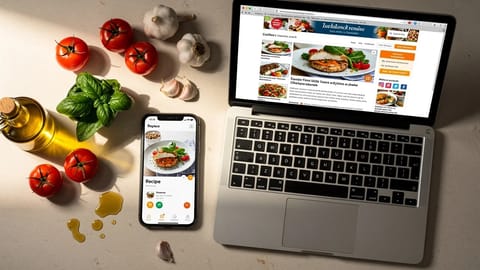
Bookmarks rot. Recipe websites redesign, move URLs, or shut down. A bookmark from two years ago has a decent chance of being dead. Even if the page still exists, you're one click away from the same ad-heavy, pop-up-loaded experience that made you want to save it in the first place.
Screenshots are unsearchable. You can't search inside an image. You can't scale the servings. You can't check off ingredients as you shop. The recipe sits in your camera roll between vacation photos and memes, and finding it means scrolling through hundreds of images.
Notes apps lack structure. Copying a recipe into Apple Notes or Google Keep preserves the text but loses the format. Ingredients blur into instructions. There's no way to adjust servings, convert between metric and imperial, or generate a shopping list. When you have 20 recipes in Notes, it works. When you have 200, it's a wall of text.
Saved posts disappear. Instagram saved folders and TikTok favorites are at the mercy of the platform. Creators delete posts, accounts go private, algorithms change. Your saved collection is a house built on someone else's land.
The fix isn't saving recipes harder. It's saving them somewhere designed for recipes.
Step 1: Pick one place for everything
The single biggest improvement you can make is consolidating. Pick one app, one system, one place where every recipe lives.
This doesn't mean you have to digitize your grandmother's entire recipe box on day one. Start with recipes you actually cook. The ones you reach for every week. The Tuesday night pasta. The weekend pancakes. The chicken thing your kids will eat.
A dedicated recipe manager checks all these boxes. General-purpose note apps check one or two.
Step 2: Import what you already have
Once you've picked your system, start migrating. Don't try to do everything at once. Batch it.
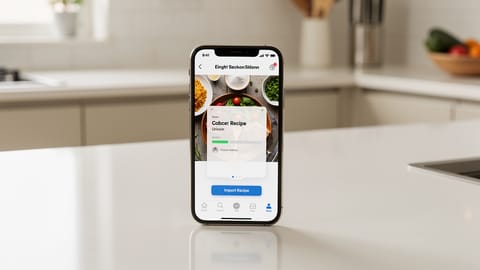
Week 1 is where you see the payoff fastest. These are the recipes where disorganization costs you real time. Paste URLs, upload screenshots, or type them in. Ten or twelve regulars is enough to feel the difference: a weeknight dinner goes from ten minutes of scrolling to open the app, tap, cook.
Week 2 is cleanup. Go through your bookmarks, saved posts, and screenshot folders. Anything you'd actually make again, import it. Anything you saved "for someday" and haven't touched in six months? Let it go. Most people drop more than half of their saved recipes at this step, and nothing is lost.
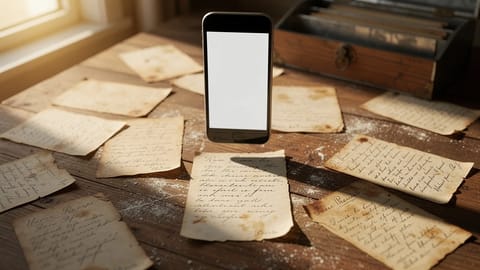
Week 3 is for physical recipes. If you have recipe cards, a binder, or cookbooks with sticky notes marking your favorites, take photos and import them. Most recipe managers with AI import can read handwritten cards and printed pages.
Ongoing is the habit that keeps the system working. Found something new online? Import it right then. Don't bookmark it. Don't screenshot it. Put it in the system immediately.
Step 3: Organize with tags and collections
Here's where most guides get it wrong. They tell you to create a folder structure like you're filing tax documents. "Main Dishes > Poultry > Chicken > Grilled." Nobody cooks that way.
Instead, use two tools: collections and tags.
Collections: broad groupings
Collections are your high-level buckets. Think about how you actually decide what to cook:
- Weeknight dinners -- 30 minutes or less, minimal cleanup
- Meal prep -- batch cooking for the week
- Weekend projects -- bread, slow braises, anything that takes time
- Holiday and entertaining -- dishes for guests and special occasions
- Baking -- cookies, cakes, pastries
- Kid-friendly -- recipes your children will eat without negotiation
Keep collections broad. 5-10 is plenty. If you need 30 collections, you're re-creating the folder problem.
Tags: flexible labels
Tags let a recipe belong to multiple categories without duplication. A chicken tikka masala can be tagged:
- Protein: chicken
- Cuisine: Indian
- Time: under 45 minutes
- Method: one-pot
- Season: winter comfort food
When Wednesday night rolls around and you want something quick with whatever chicken is in the fridge, you search "chicken" + "weeknight" and you get exactly what you need.
| Category | Example tags |
|---|---|
| Protein | chicken, beef, pork, fish, tofu, eggs |
| Time | under 30 min, under 45 min, slow cooker |
| Effort | easy, intermediate, weekend project |
| Cuisine | Italian, Mexican, Thai, Indian, American |
| Diet | vegetarian, gluten-free, dairy-free |
| Season | summer grilling, fall soups, holiday |
| Source | grandma, NYT Cooking, budget bytes |
Don't go overboard. Tag recipes as you cook them, not all at once. You'll figure out which tags you actually use after a few weeks.
Step 4: Use your collection (not just store it)
An organized recipe collection only works if you use it for more than storage. Three features turn a recipe library into a cooking system:
Meal planning
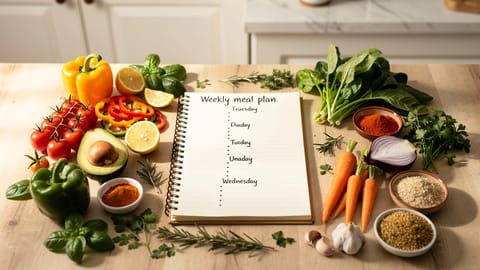
Drag recipes onto a weekly calendar. Now you know what you're cooking Monday through Friday before the week starts. No more standing in front of the fridge at 6 PM trying to figure out dinner.
Meal planning also solves the "what should I cook" problem. Instead of deciding every night, you decide once a week. The daily decision becomes just following the plan.
Shopping lists
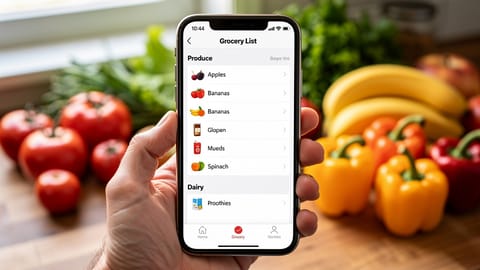
A recipe manager that generates shopping lists from your meal plan saves real time. It consolidates ingredients across recipes -- if two recipes call for onions, you see "3 onions" on one line, not "1 onion" and "2 onions" separately. Check off items as you shop.
Step-by-step cooking mode
When it's time to cook, a dedicated recipe view with large text, timers, and a screen that stays on beats squinting at a screenshot or holding a cookbook open with a can of tomatoes.
Physical recipes: keep, digitize, or both?
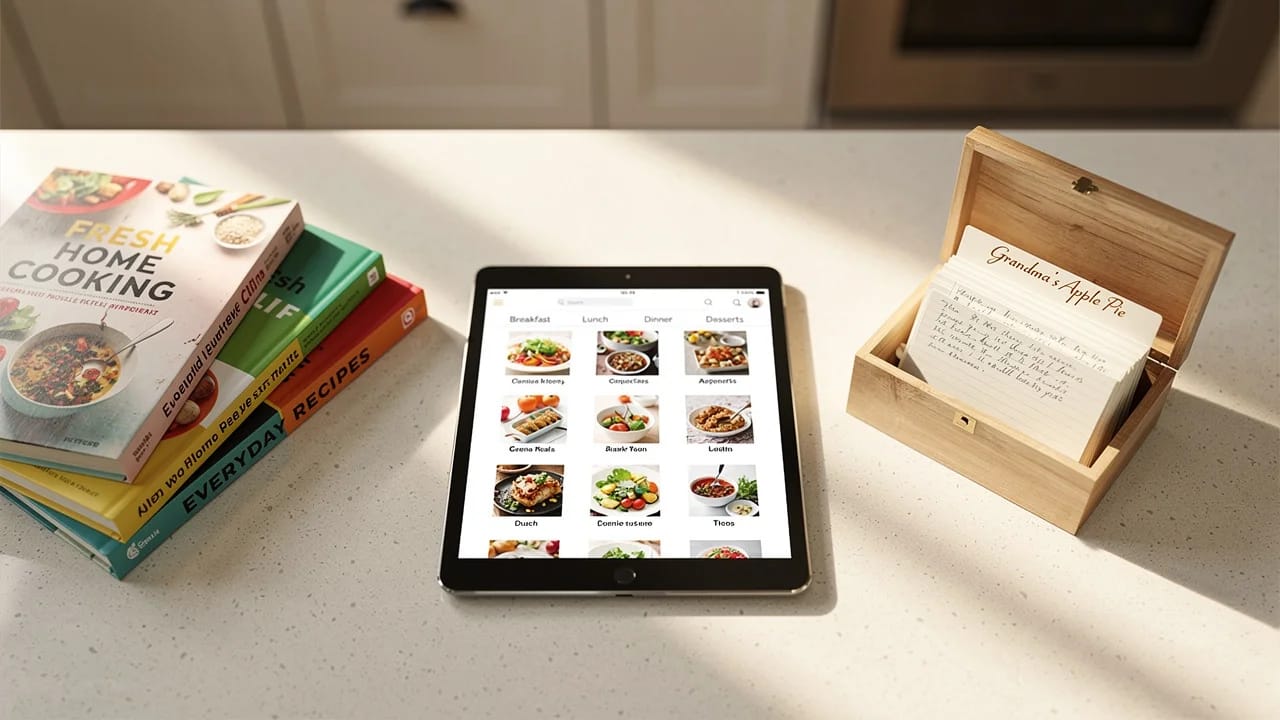
You don't have to throw away your grandmother's handwritten recipe cards to go digital. Some people find the originals meaningful. That's fine.
The practical move: photograph the cards and import them into your digital system. You get a searchable, scalable digital copy while the originals stay in the box. The digital version is what you cook from. The physical version is what you keep for sentimental reasons. A full family binder takes about an hour to photograph, and afterwards the pie crust recipe is on your phone instead of a phone call away.
For cookbooks, you don't need to digitize the whole thing. Just photograph the recipes you actually make. A cookbook with 200 recipes probably has 10-15 you return to regularly. Those are the ones worth importing.
Binder or app: how to organize recipes on paper
A binder still works if you cook from a small, stable collection. Use sheet protectors, one recipe per page, and a handful of broad tabs (weeknight, baking, holidays) rather than a strict taxonomy. Its limits are the same ones that make screenshots frustrating: no search by ingredient, no scaling, no shopping list, and a page that gets lost or splattered is gone. The workable compromise is to photograph each page as you file it, so the binder is the keepsake and the app is what you cook from.
What to look for in a recipe app
Not all recipe apps are equal. Here's what separates a useful one from a frustrating one:
| Feature | Why it matters |
|---|---|
| AI-powered import (URL, text, photo) | Gets recipes in fast, from any source |
| Ingredient parsing | Separates quantities, units, and ingredient names for scaling |
| Recipe scaling | Adjusts all ingredients when you change the serving count |
| Unit conversion | Switches between metric and imperial on the fly |
| Tags + collections | Flexible organization that matches how you think about cooking |
| Meal planning | Turns your recipe library into a weekly action plan |
| Shopping list generation | Auto-generates a consolidated grocery list from planned meals |
| Offline access | Works in the kitchen even if your Wi-Fi is spotty |
| Cross-device sync | Start on your phone, continue on your tablet in the kitchen |
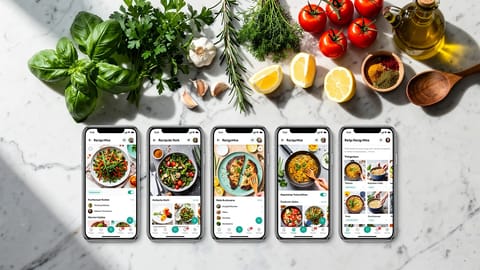
Fond, the app we're building, is designed to handle all of these, and its Free plan at launch includes 10 AI imports a month; it isn't released yet, so join the waitlist to hear when it opens. The right app is still the one that matches your workflow. Try importing a few recipes and cooking from them before committing to any tool.
Start small, build the habit
You don't need to organize your entire recipe collection in one sitting. That's how people burn out and go back to screenshots.
Start with five recipes. The ones you cook most. Import them, tag them, cook from them this week. Next week, add five more. Within a month, you'll have a working digital cookbook with 20-30 recipes that covers most of your regular cooking.
- Pick one recipe organizer app and put everything there
- Start with your 10-15 most-cooked recipes, not your entire collection
- Use broad collections (5-10) plus flexible tags for organization
- Import new recipes immediately instead of bookmarking or screenshotting
- Cook from the app to make the system stick
The goal isn't a perfectly curated digital cookbook. It's being able to find any recipe in under 10 seconds, scale it to however many you're feeding, and cook from it without ads, pop-ups, or squinting at a screenshot. That's what organized looks like.