 Bastien
Smart Shopping List
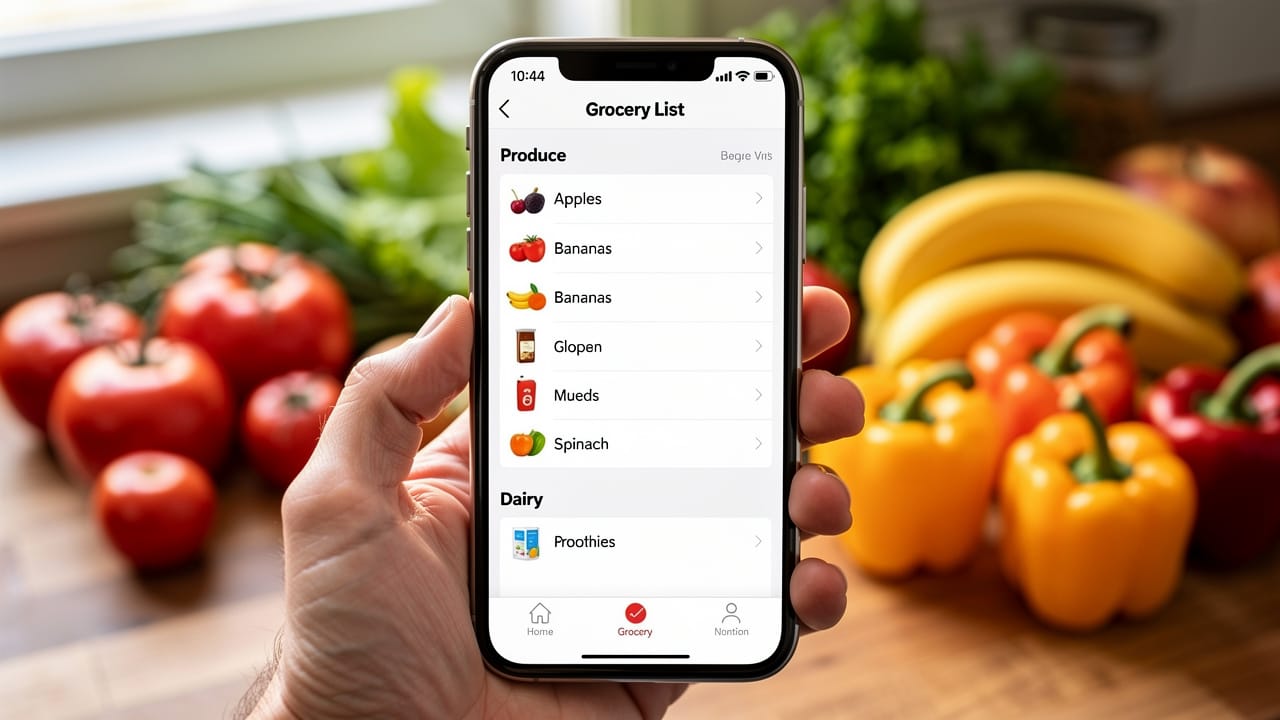
A smart shopping list is an automatically generated grocery list that combines ingredients from multiple recipes, merges duplicates, converts units, and organizes by store aisle.
A smart shopping list goes beyond a handwritten checklist. It understands ingredients, quantities, and units, automatically combining items from multiple recipes into a single, organized grocery list. Instead of scanning five recipes and writing everything down by hand, you get one consolidated list ready to take to the store.
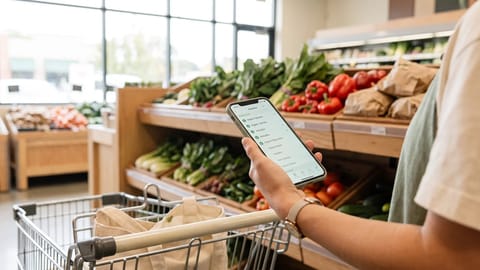
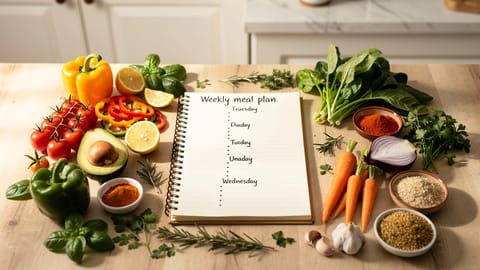
Smart shopping lists are the bridge between meal planning and cooking. They turn a week of planned meals into an actionable, efficient trip through the grocery store. Having your ingredients sorted before you walk in is the grocery equivalent of good mise en place in the kitchen.
What makes a shopping list "smart"?
The combination of merging and aisle grouping saves the most time. A manual list from five recipes might have "onions" written three times in different places. A smart list shows "5 onions" once, under "Produce."
What's the problem with manual grocery lists?
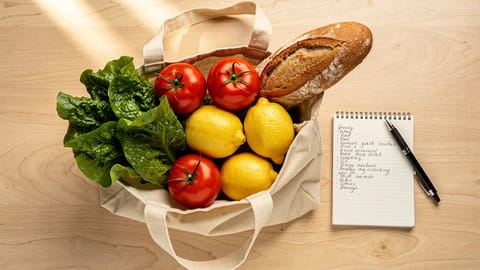
Most home cooks still write shopping lists by hand, scrolling through recipes and jotting ingredients on paper or in a notes app. This approach has predictable problems:
These problems multiply with the number of recipes you plan. A manual list for two recipes is manageable. A manual list for a full week of meal prep is an exercise in frustration: twenty minutes of copying ingredients from five or six recipes, and something still gets forgotten by the time you reach the store.
How do smart shopping lists work?
From recipes to list
Ingredient parsing
A smart grocery list needs to understand recipe language. "1 cup all-purpose flour, sifted" contains:
- Quantity: 1
- Unit: cup
- Ingredient: all-purpose flour
- Preparation note: sifted (not relevant for shopping, you buy flour, not pre-sifted flour)
Good systems separate the shopping-relevant parts (what to buy and how much) from the cooking-relevant parts (how to prepare it).
Unit conversion and merging
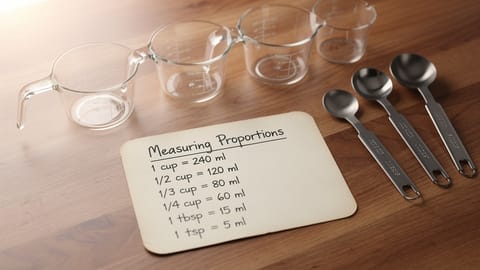
When recipes use different units for the same ingredient, the system converts and combines:
| Recipe A | Recipe B | Merged result |
|---|---|---|
| 250 ml milk | 1 cup milk | 487 ml milk (about 2 cups) |
| 200g butter | 3 tbsp butter | 242g butter |
| 2 cloves garlic | 4 cloves garlic | 6 cloves garlic |
| 1 lemon (juice) | 1 lemon (zest) | 1 lemon (juice + zest) |
| 500g chicken breast | 1 lb chicken thighs | Listed separately (different cuts) |
Notice the last row: smart merging knows that chicken breast and chicken thighs are different purchases, even though both are "chicken." Getting this right is where recipe-connected lists pull ahead of generic grocery list apps.
Organizing by store section
A well-organized shopping list follows the layout of a typical grocery store:
| Section | Example items |
|---|---|
| Produce | Onions, garlic, lemons, fresh herbs, potatoes, salad greens |
| Meat and seafood | Chicken thighs, ground beef, salmon fillets |
| Dairy | Butter, heavy cream, eggs, parmesan |
| Bakery | Bread, tortillas |
| Pantry / dry goods | Flour, kosher salt, olive oil, canned tomatoes, pasta, rice |
| Frozen | Frozen peas, frozen berries |
| Spices | Cumin, paprika, dried oregano |
| Condiments | Soy sauce, mustard, hot sauce |
When your list follows the store layout, you move through aisles once without backtracking. A 30-minute shopping trip becomes a 15-minute one, and a list that keeps you moving also leaves less room for impulse buys, because you are never wandering the aisles looking for something.
Smart shopping list tips
Check your pantry before you go. The fastest way to reduce your list is to cross off what you already have. Some apps let you maintain a pantry inventory that does this automatically.
Buy staples in bulk. Items that appear on every weekly list, salt, olive oil, butter, eggs, onions, garlic, are cheaper in larger quantities. Your smart list tells you how much you use per week, which helps plan bulk purchases.
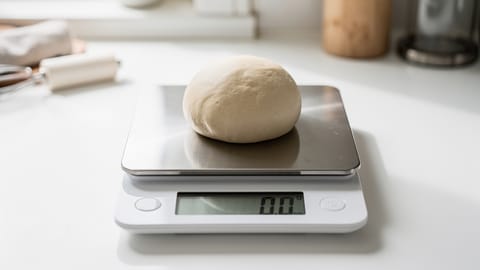
Use weight, not volume. If your recipes use weight-based measurements (and they should, see kitchen scale), your shopping list quantities will be more accurate. "450g chicken breast" is more precise than "2 chicken breasts." Recipe scaling also works better with weight.
Plan around what is on sale. Once you have a meal plan, check store circulars for sales on your listed items. A smart grocery list makes it easy to see everything you need and compare prices.
Batch your shopping. A weekly trip based on a meal plan is more efficient than daily trips. It saves time, reduces impulse purchases, and ensures you have everything for the week's recipes. For more strategies, see our grocery shopping tips.
Share the list. If someone else is doing the shopping, a digital smart list they can access on their phone is clearer than a handwritten note. They can check items off in real time.
Smart shopping lists vs. other approaches
The recipe-connected smart list is the most powerful approach because it starts from the source of truth: the recipes themselves. Everything downstream, quantities, merging, organization, flows automatically from what you plan to cook.
Smart shopping in Fond
Fond hasn't launched yet. This is how it will work at launch. Join the waitlist for early access.
Fond generates a smart shopping list from your meal plan automatically. When you plan your week in Fond:
- Ingredients from all planned recipes are parsed and combined
- Duplicates are merged with correct quantities
- Items are organized by grocery section
- You can adjust serving counts and the list updates via recipe scaling
- Check items off as you shop
- The list syncs across devices so anyone in your household can use it
The goal is simple: plan your meals in Fond, and the shopping takes care of itself. No manual list-writing, no forgotten ingredients, no wasted trips.